

Magcubic 1080P Native Projector | 650 ANSI Lumens, 8K Support, Android 14, Auto Focus & Keystone
White / UK Plug
Sale price
2.550,00 kr
Regular price
5.094,00 kr
Skip to product information


A: Go to Settings > About devices > Local upgrade/Online upgrade


Magcubic 1080P Native Projector | 650 ANSI Lumens, 8K Support, Android 14, Auto Focus & Keystone
Sale price
2.550,00 kr
Regular price
5.094,00 kr
Product Description
Next-Generation Home Cinema Experience
Elevate your entertainment with the Magcubic 1080P Native Projector. This high-performance device delivers stunning visuals with native 1920x1080 (Full HD) resolution and support for 8K video content. Whether you are streaming movies, gaming, or presenting, the 650 ANSI Lumens (5000 Lumens LED) brightness ensures a vibrant, clear picture even in moderately lit environments.
Why Choose This Smart Projector?
-
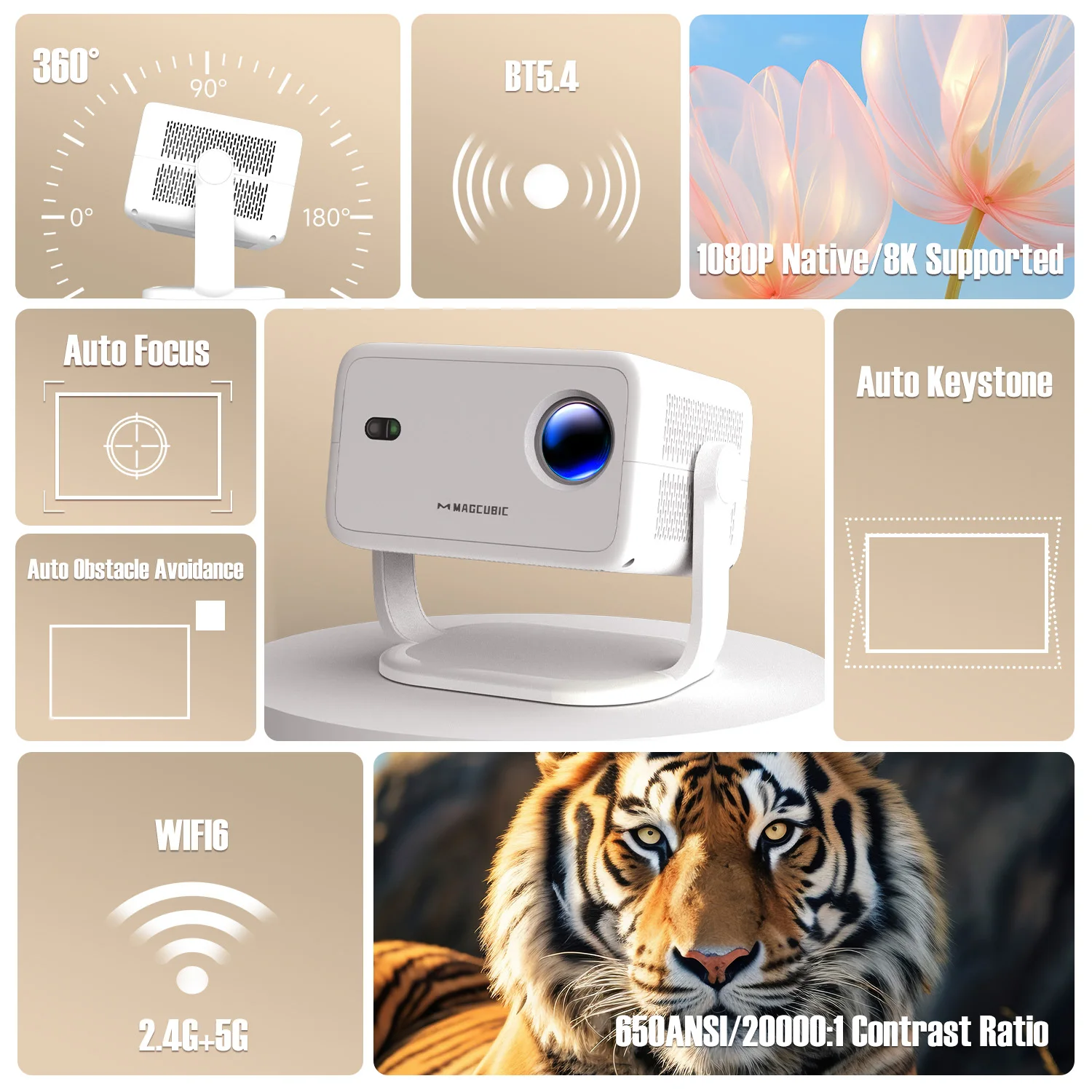
Intelligent Auto-Adjustments: Features cutting-edge Auto Focus and Auto Keystone Correction for a perfectly squared and sharp image every time, without manual hassle.
-
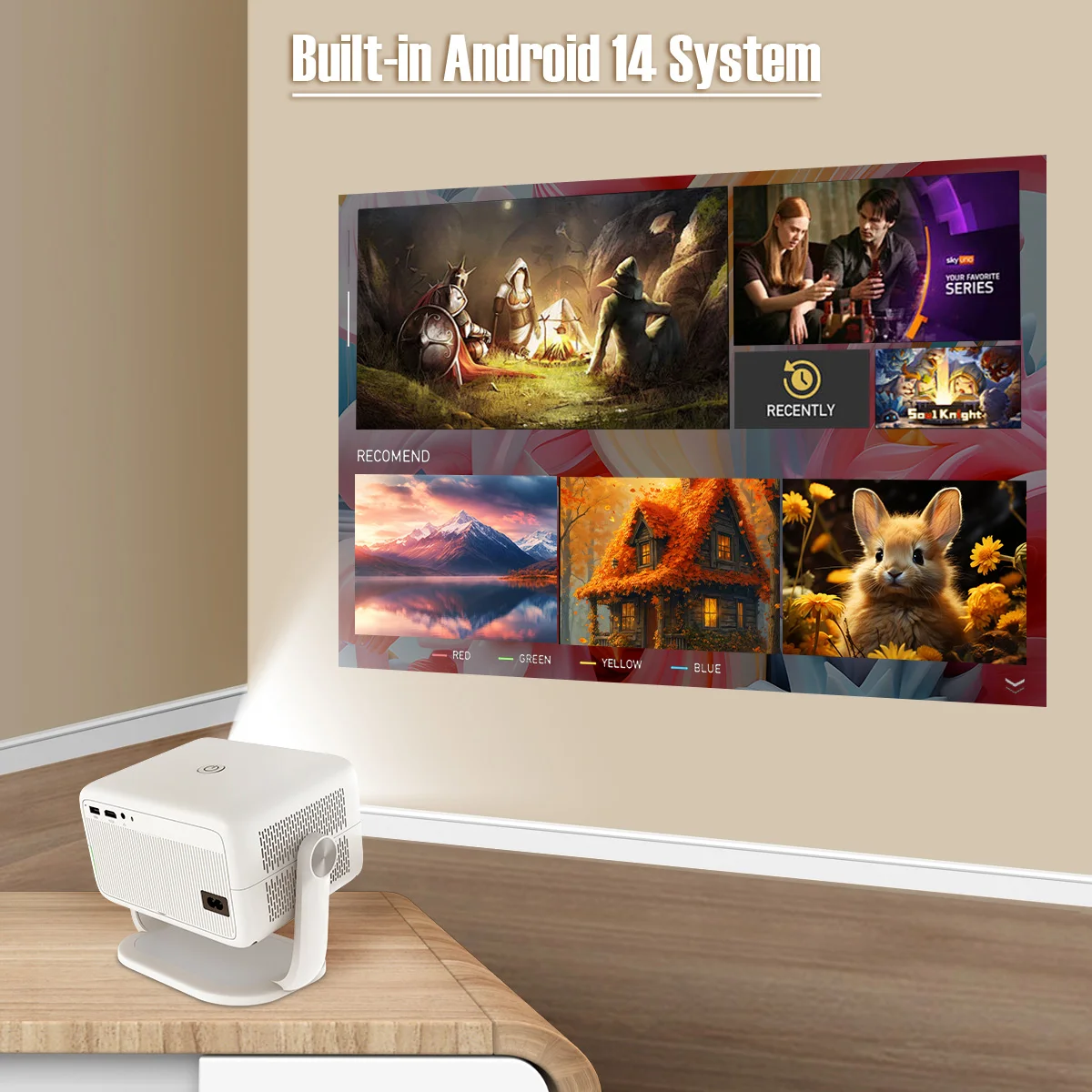
Advanced Smart System: Powered by Android 14, providing direct access to your favorite apps and streaming services natively.
-
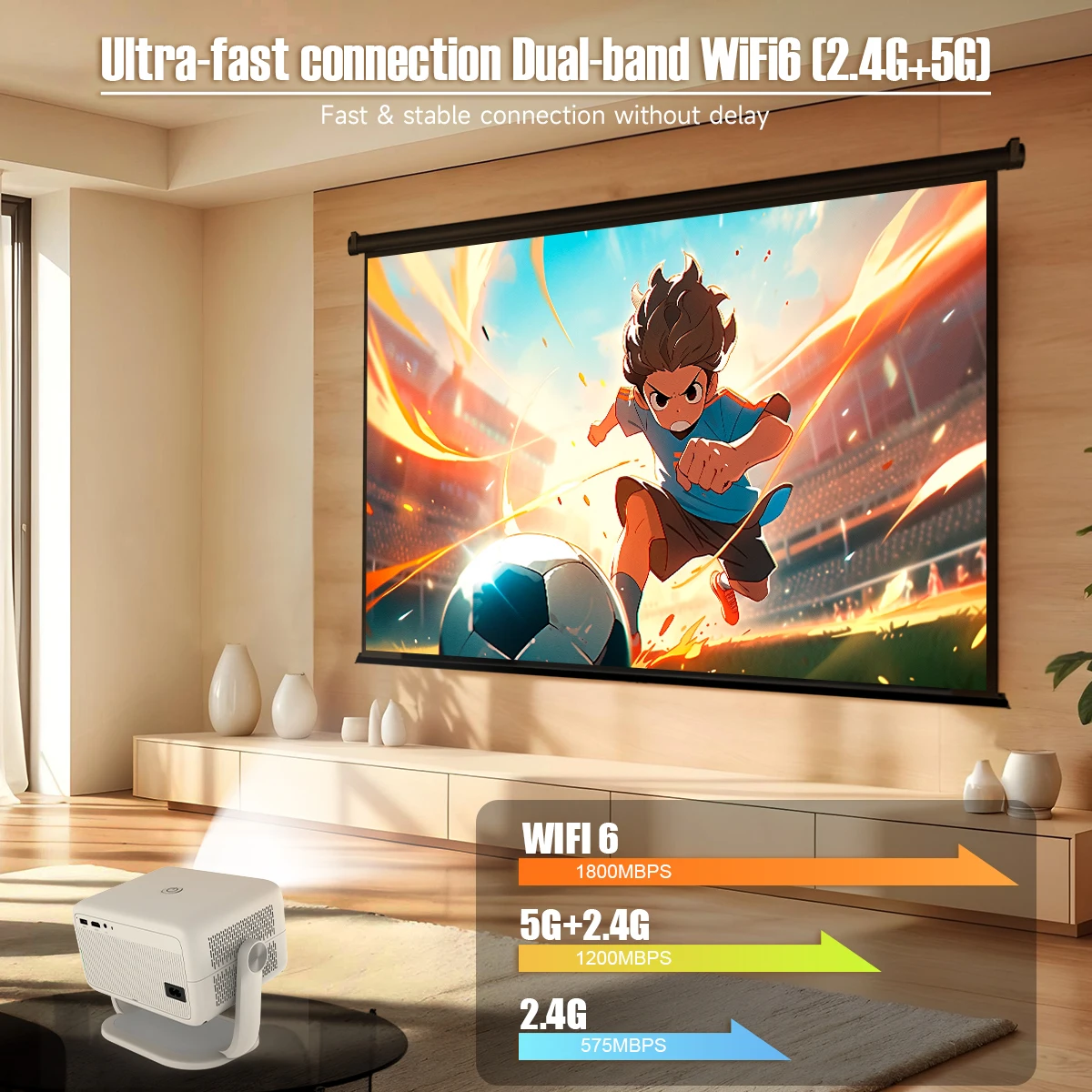
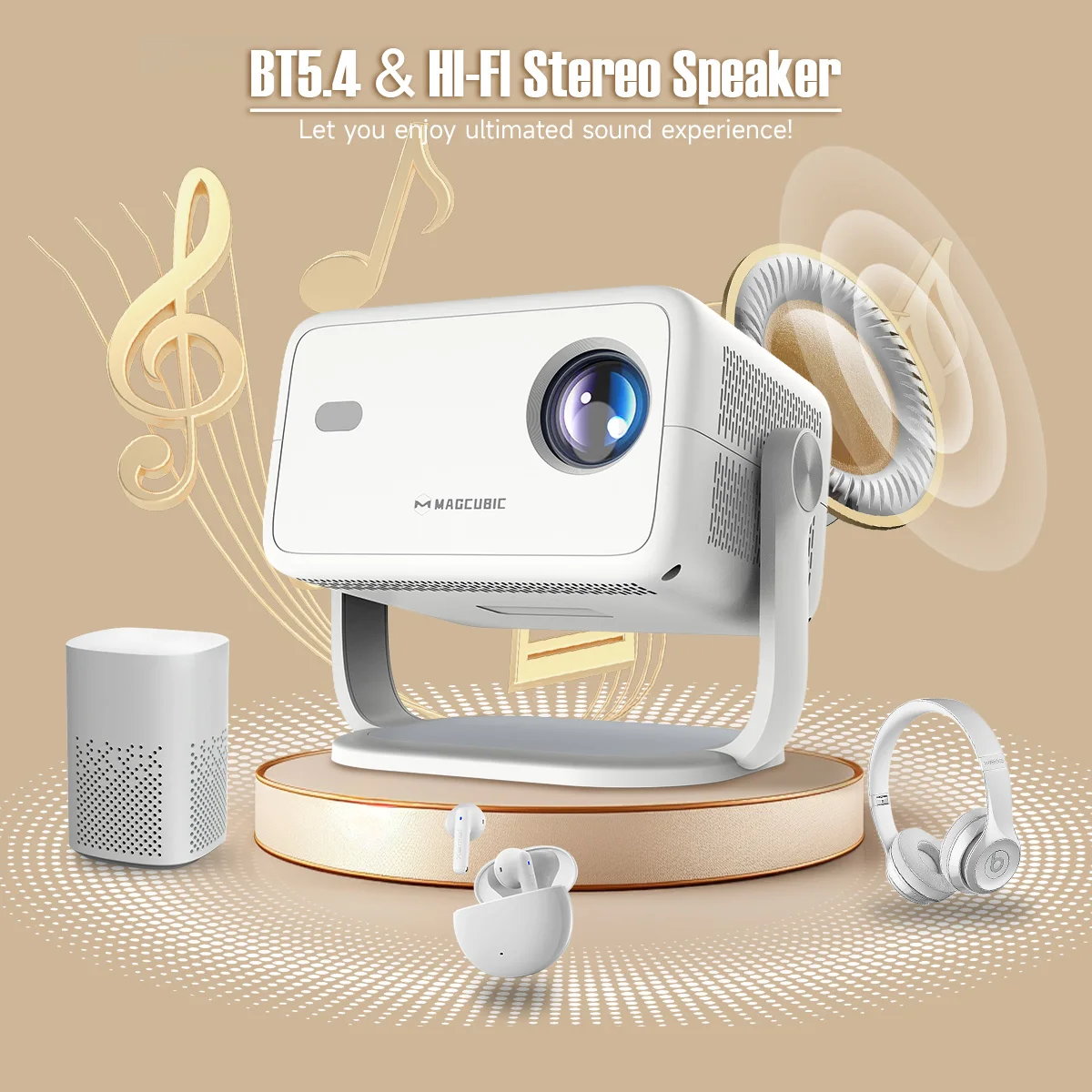
Ultimate Connectivity: Equipped with ultra-fast WiFi 6 (2.4G & 5G) and Bluetooth 5.4 for seamless wireless streaming and external speaker pairing.
-
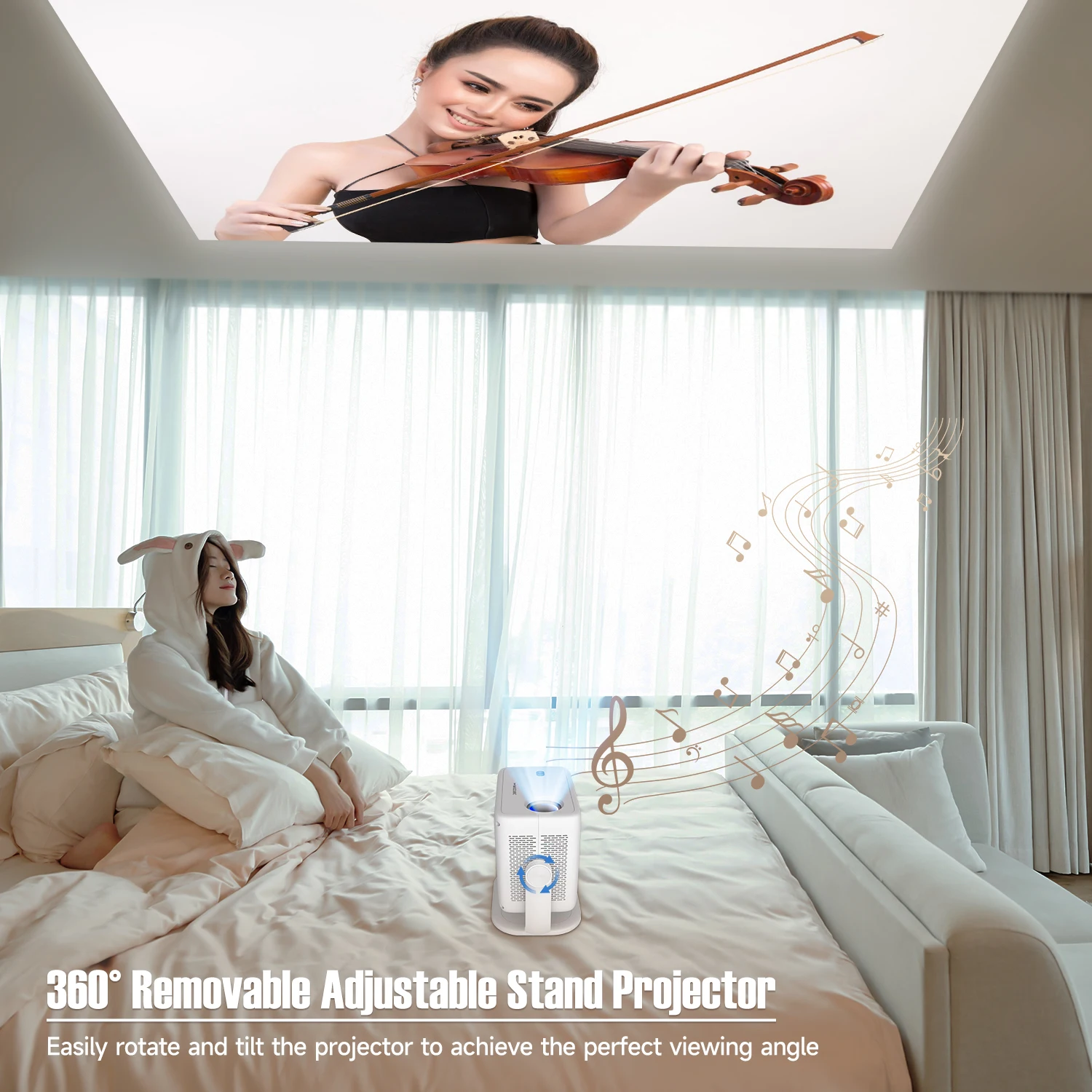
360° Flexible Viewing: The unique removable adjustable stand allows for full $180^\circ$ to $360^\circ$ rotation and tilting, making it easy to project onto walls or even the ceiling for comfortable bedside viewing.
-
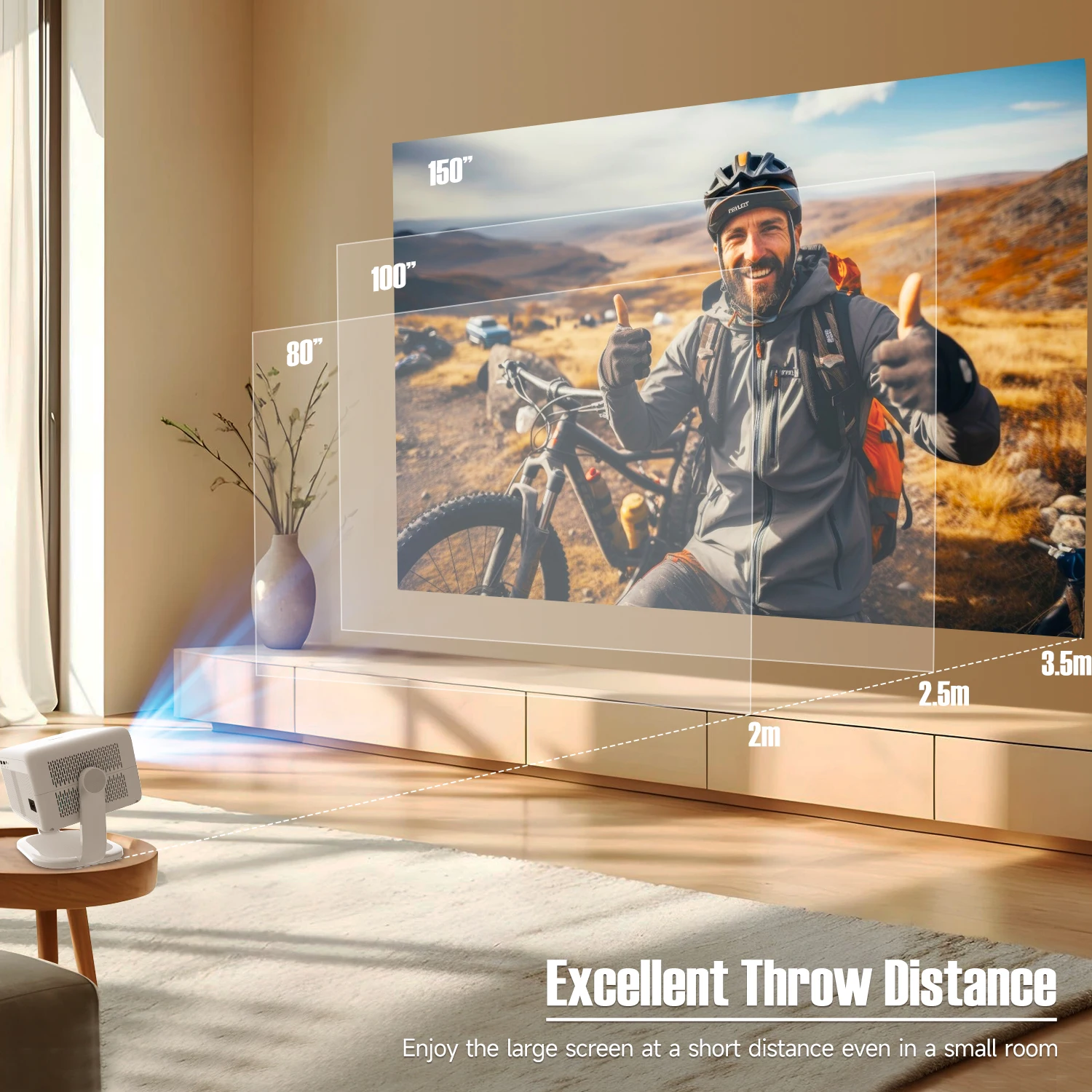
Massive Projection Range: Enjoy a cinematic experience with a projection size ranging from 40 to 200 inches.
-
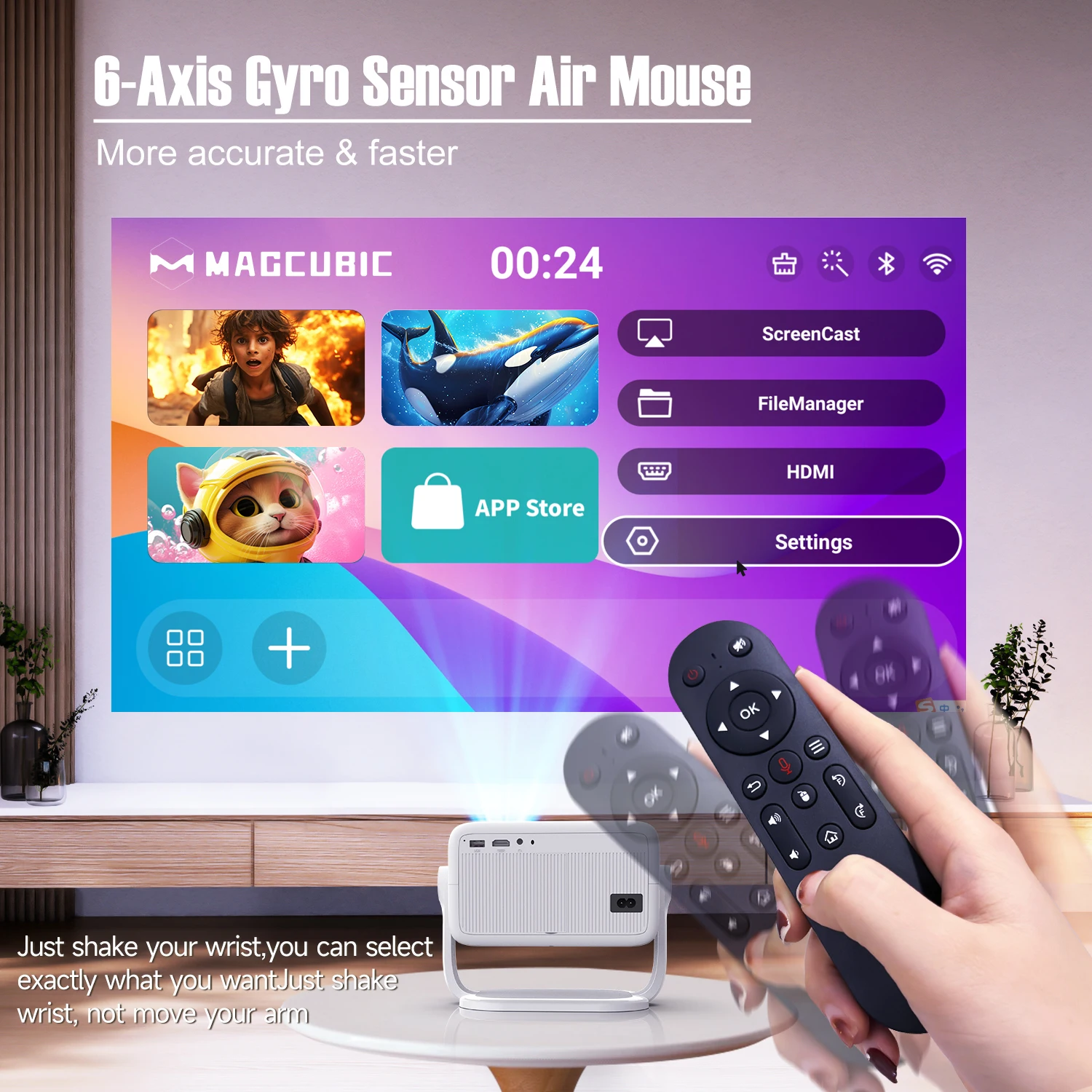
Pro-Level Features: Includes Auto Obstacle Avoidance, Air Mouse Support, and a built-in speaker for a complete "out-of-the-box" solution.
. Technical Specifications
-
Resolution: Native 1920x1080 (Full HD) with 8K Support
-
Brightness: 650 ANSI Lumens
-
Contrast Ratio: 10,000:1 – 20,000:1
-
Connectivity: WiFi 6, Bluetooth 5.4
-
Projection Size: 40–200 inches
-
Aspect Ratio: 4:3 / 16:9
-
Light Source: LED
-
Power: 80W
-
Weight: 1.7 kg
-
System: Android
-
Certifications: CE, FCC


 🔥🔥360° Flexible Projection
Unlock limitless possibilities with a 360° rotatable design, allowing seamless placement and projection from any angle. Whether it's on the wall, ceiling, or an unconventional surface, this projector adapts to every scenario effortlessly.
🔥🔥Crystal-Clear Visuals with Vibrant Brightness
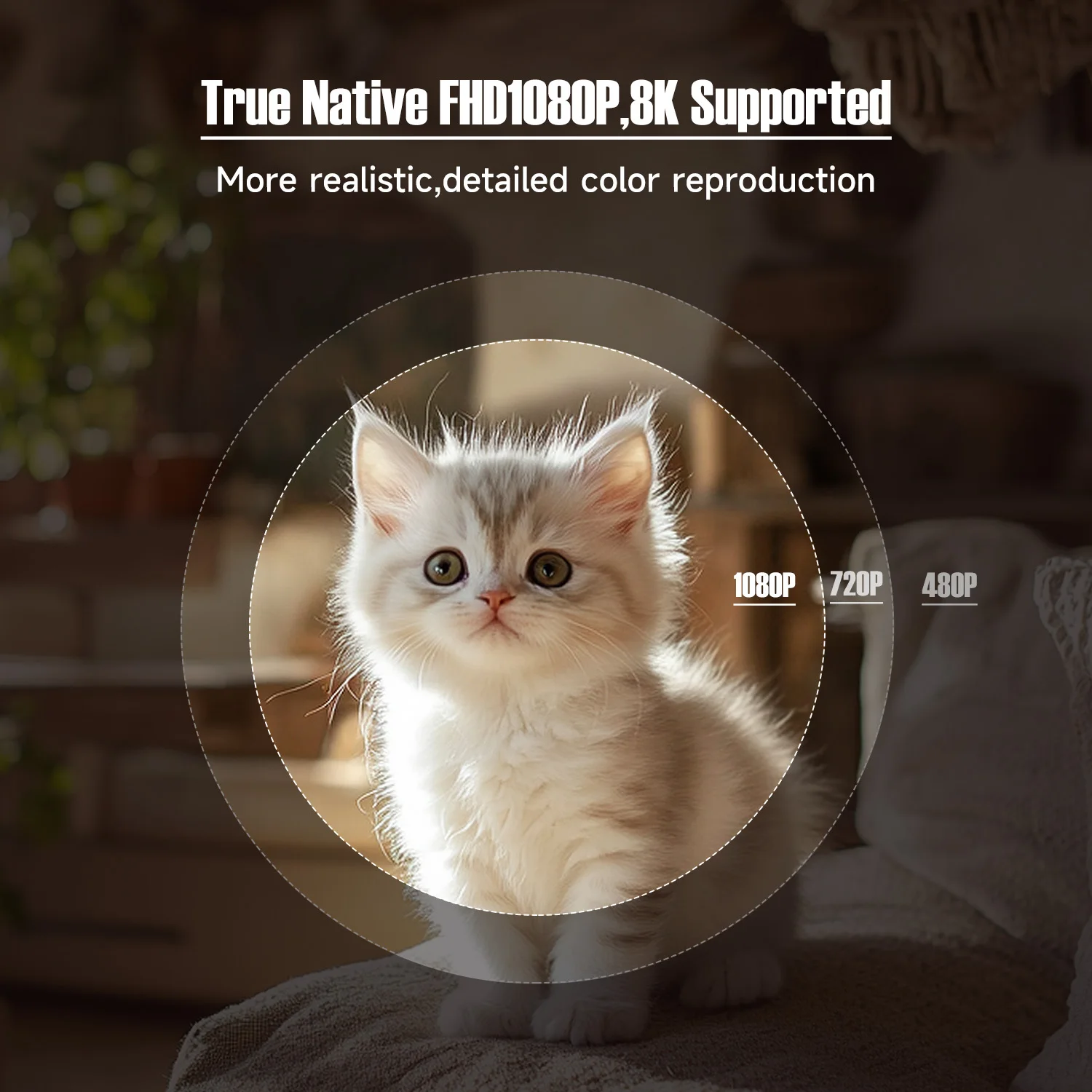
Enjoy stunning image quality with support for 8K decoding and native 1080P resolution, complemented by 650 ANSI . Even in brightly lit spaces, every detail shines with incredible clarity and vivid colors.
🔥🔥Advanced Auto Adjustment Features
Say goodbye to manual setup. With advanced auto-focus, automatic keystone correction, and obstacle avoidance, the projector delivers a perfectly aligned, distortion-free screen in seconds, offering a hassle-free experience.
🔥🔥Powerful Android 14 with Customizable Modes
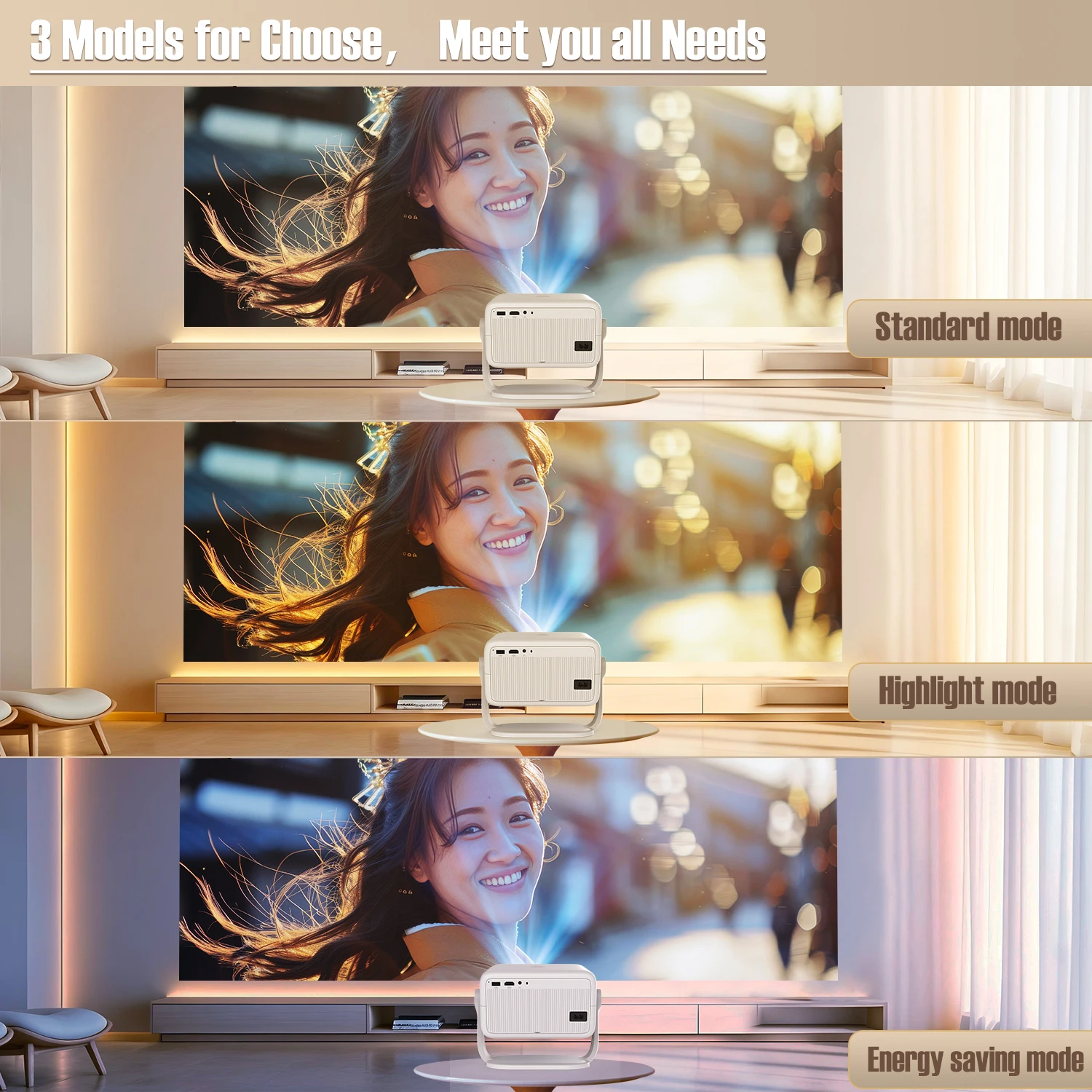
Powered by the latest Android 14 system, it provides access to a wide range of apps and streaming platforms. Choose from three projection modes—High Brightness, Standard, and Eco—to suit your viewing preferences while balancing performance and energy efficiency.
🔥🔥Immersive Sound and Seamless Connectivity
Equipped with BT 5.4 and WiFi 6, this projector ensures faster, more stable connections with your devices. Its premium built-in speakers deliver rich, high-quality audio, creating an immersive cinematic experience without the need for external speakers.
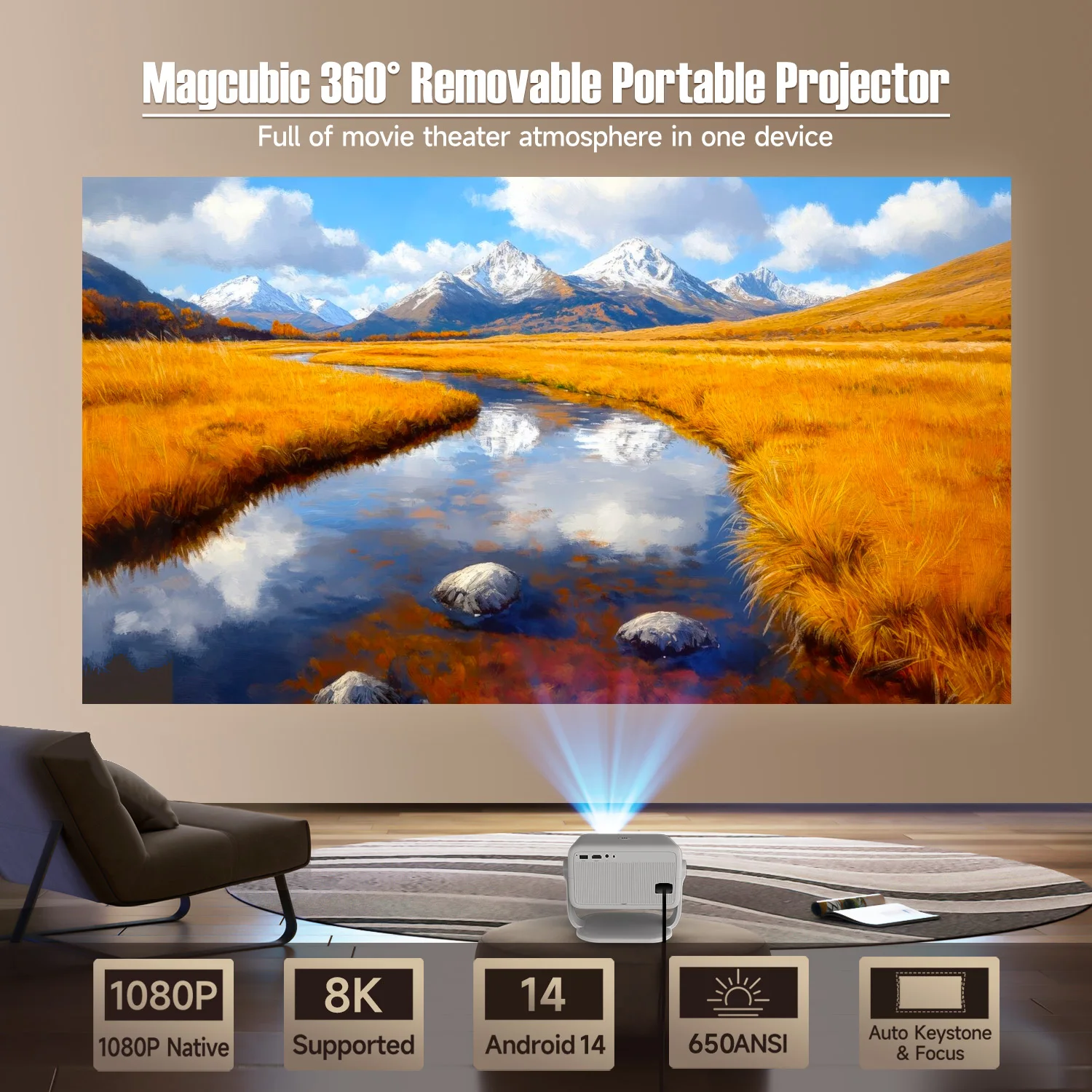
Magcubic 360° Removable Portable Projector
Full of movie theater atmosphere in one device
360° & 650ANSI & WIFI6/2.4G+5G & BT5.4 & Auto Keystone/Focus & 1080P Native/8K Supported
360° Removable Adjustable Stand Projector
Easily rotate and tilt the projector to achieve the perfect viewing angle
Auto Keystone Correction & Focus
goodbye to manual. Just 2 seconds to get clear image
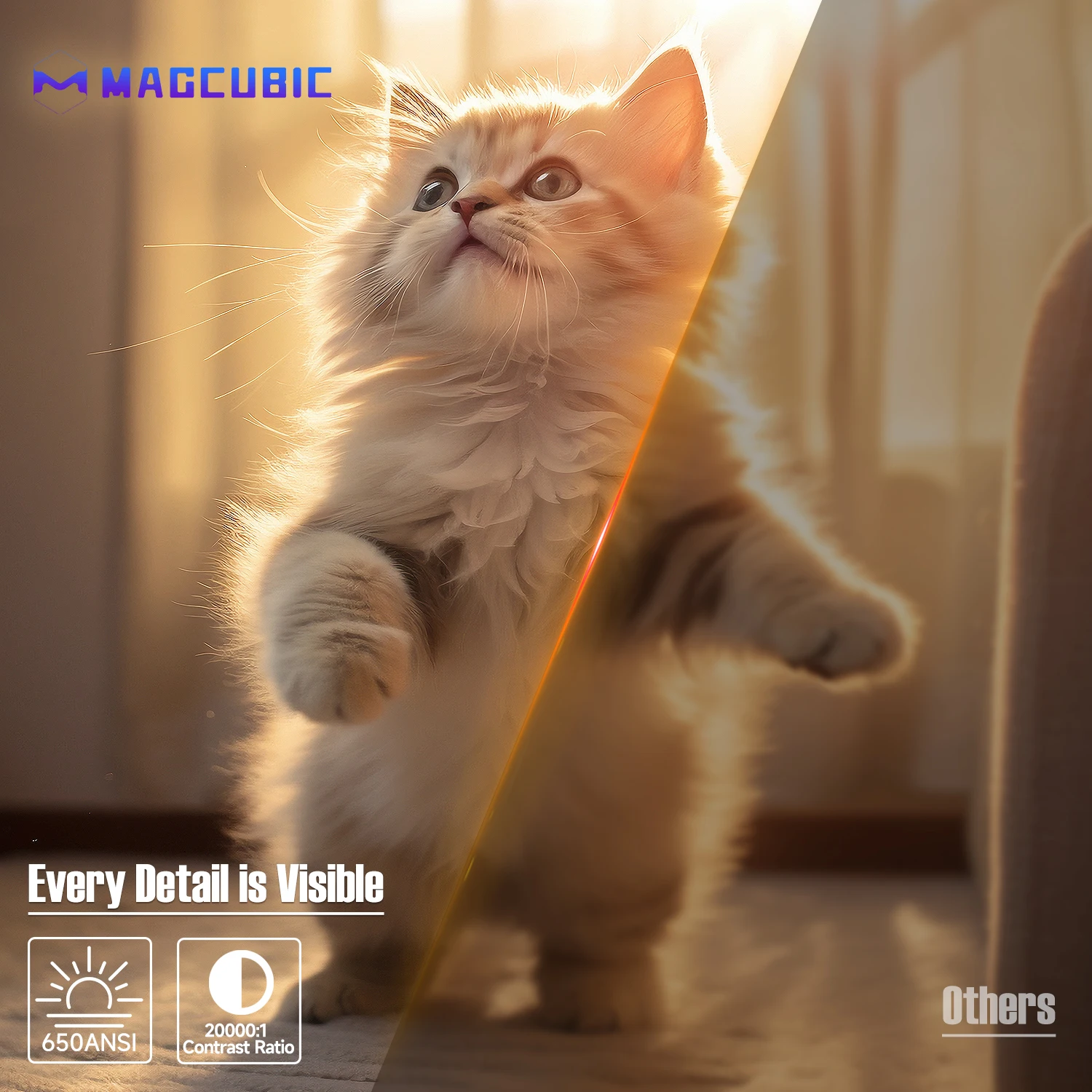
Every Detail is Visible
650ANSI/20000:1 Contrast Ratio
True Native FHD1080P,8K Supported
More realistic,detailed color reproduction
Excellent Throw Distance
Enjoy the large screen at a short distance even in a small room, 1.2:1 Projection Throw Ratio
3 Models for Choose,Meet you all Needs
Standard mode,highlight mode and energy saving mode
Ultra-fast connection Dual-band WiFi6 (2.4G+5G)
Fast & stable connection without delay
BT5.4 & Hl-Fl Stereo Speaker
Let you enjoy ultimated sound experience!
6-Axis Gyro Sensor Air Mouse
More accurate & faster!
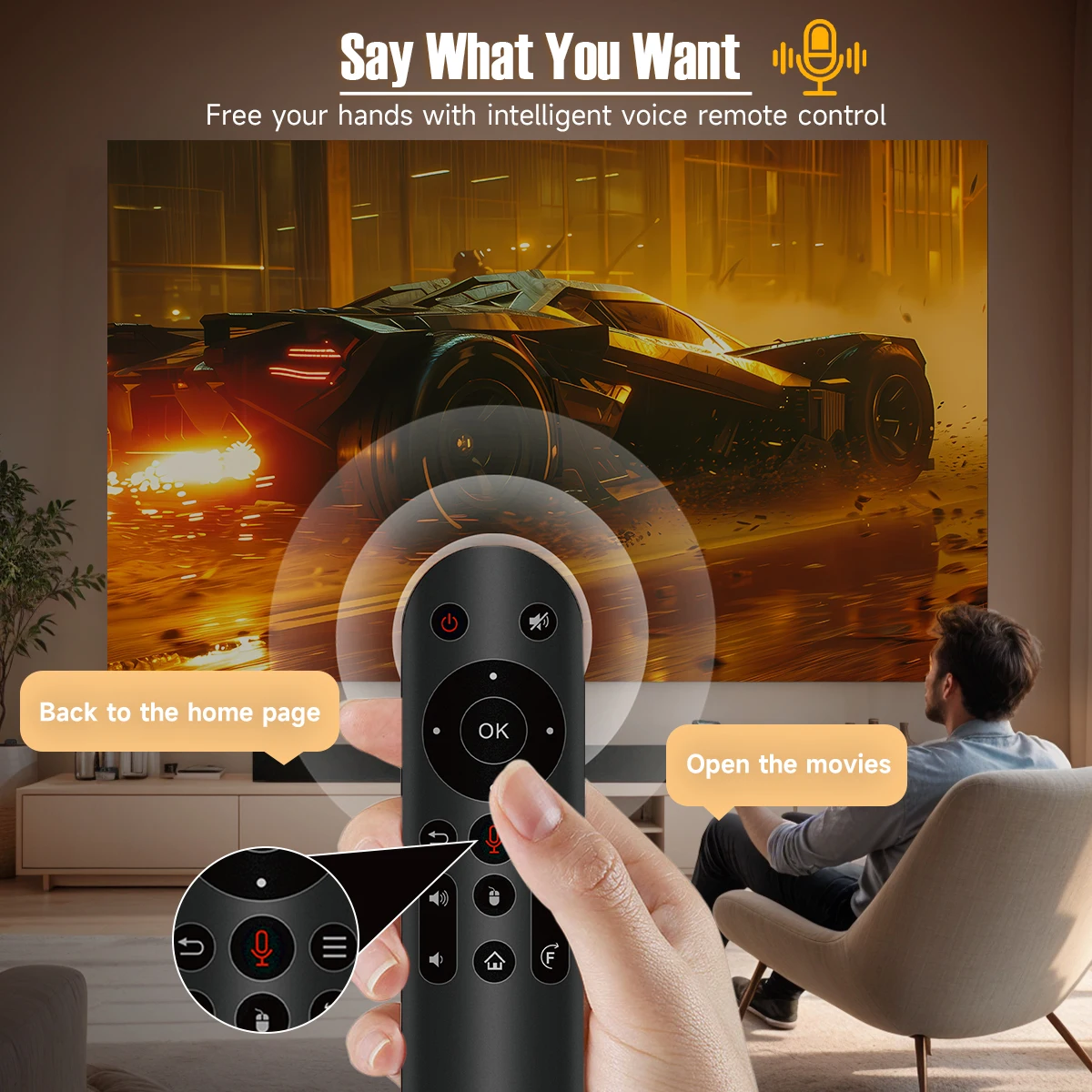
Say What You What
Free your hands with intelligentvoice remote control
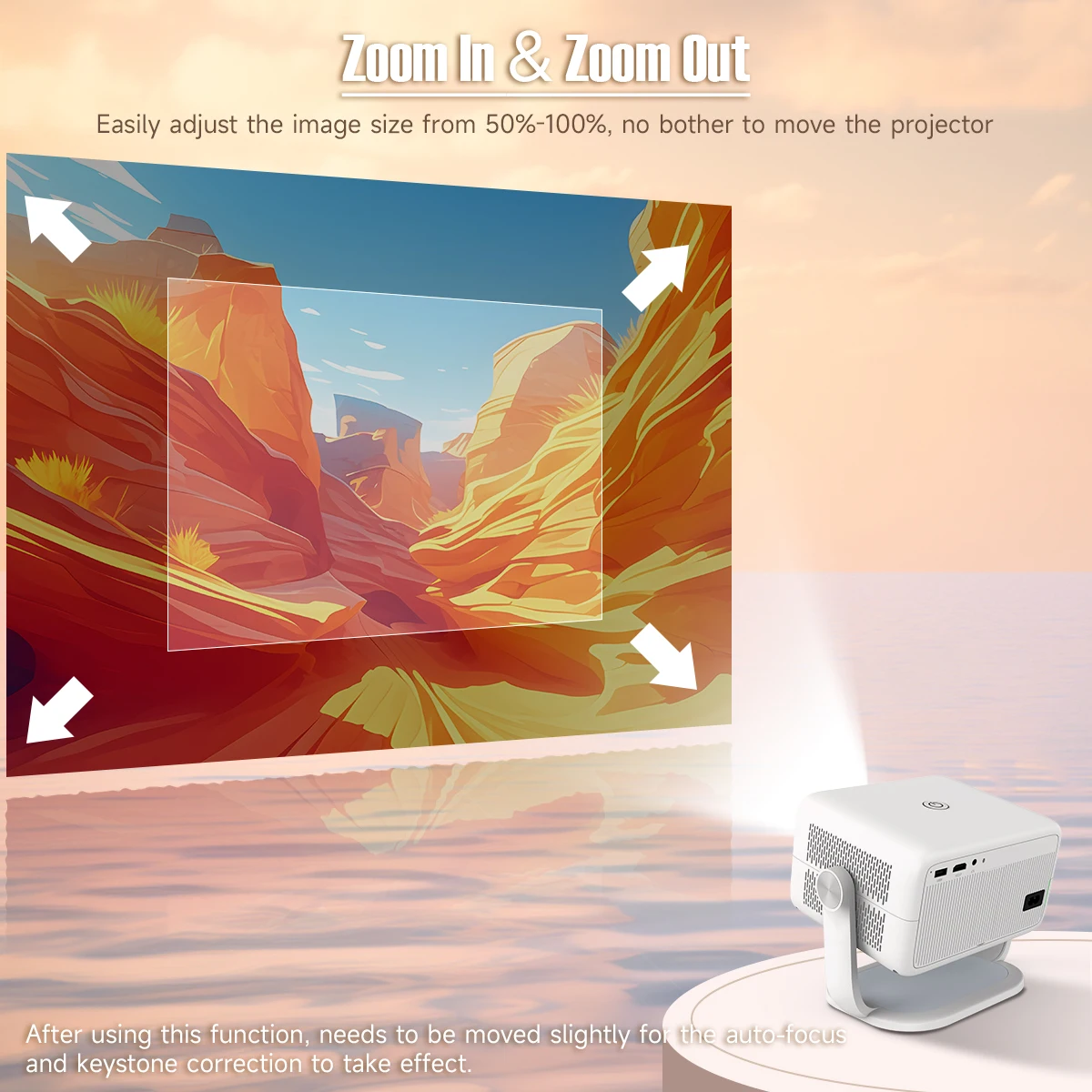
Zoom In & Zoom Out
Easily adjust the image size from 50%-100%, no bother to move the projector
Note : After using this function, needs to be moved slightly for the auto-focus and keystone correction to take effect.
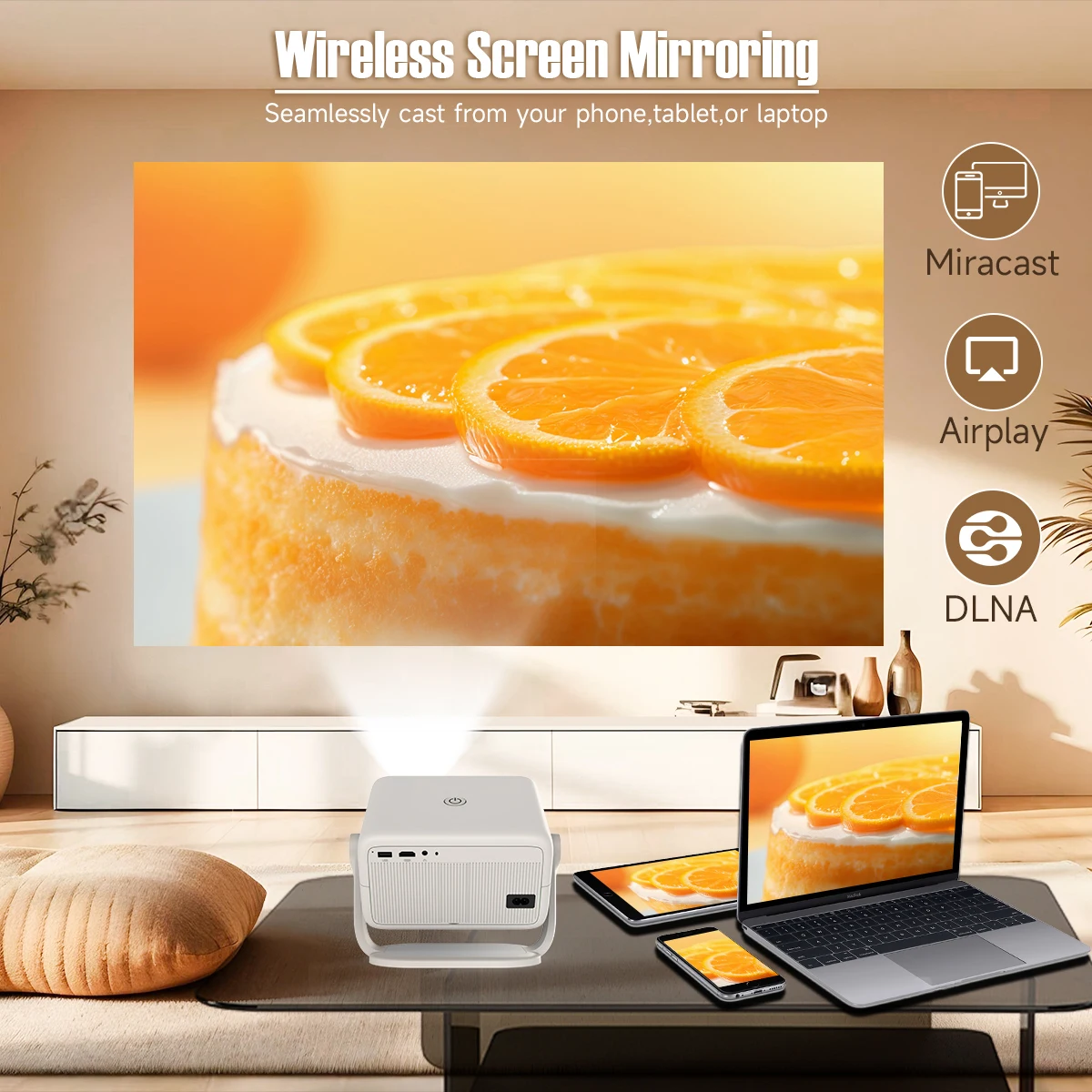
Wireless Screen Mirroring
Seamlessly cast from your phone,tablet,or laptop
Built-in Android 14 System
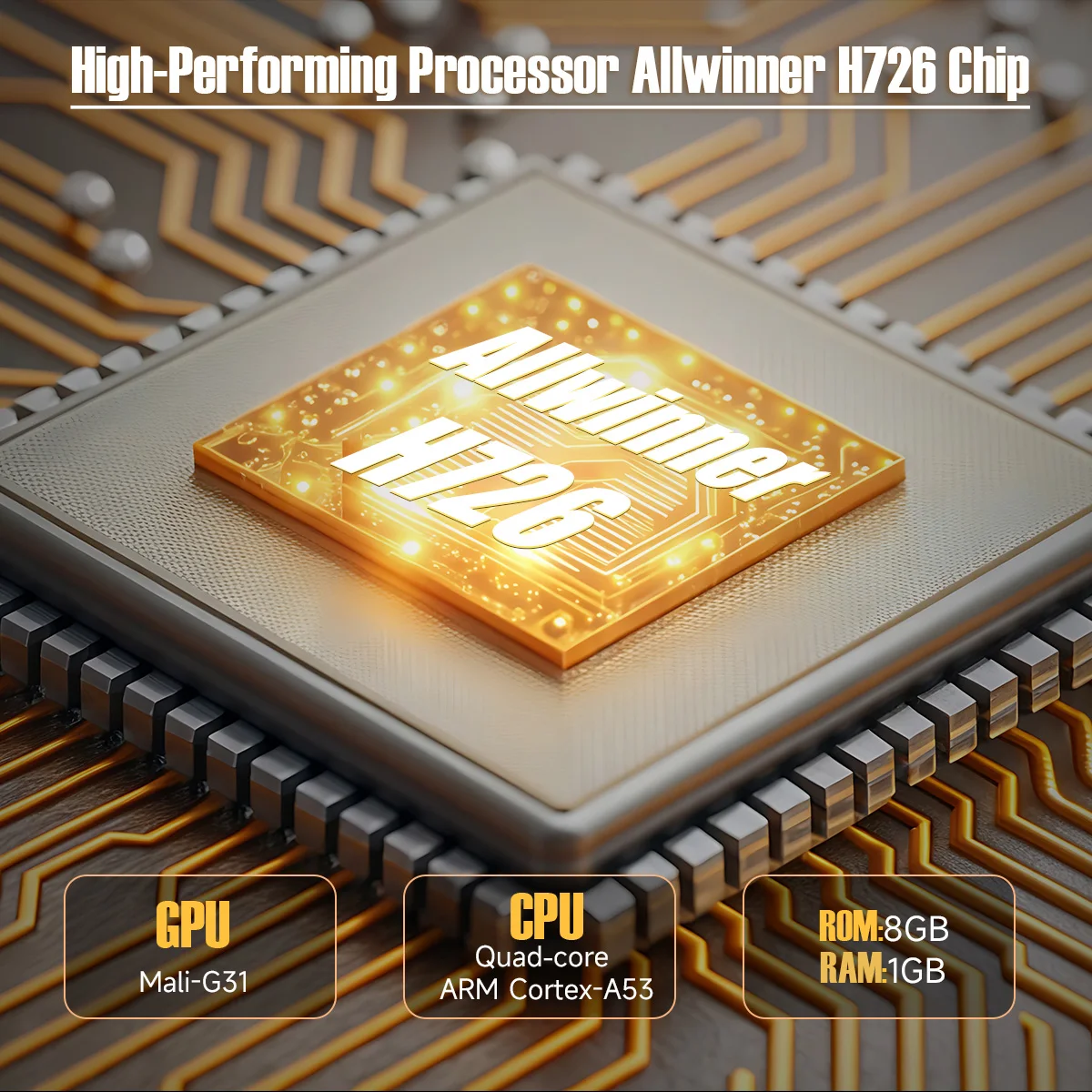
High-Performing Processor Allwinner H726 Chip
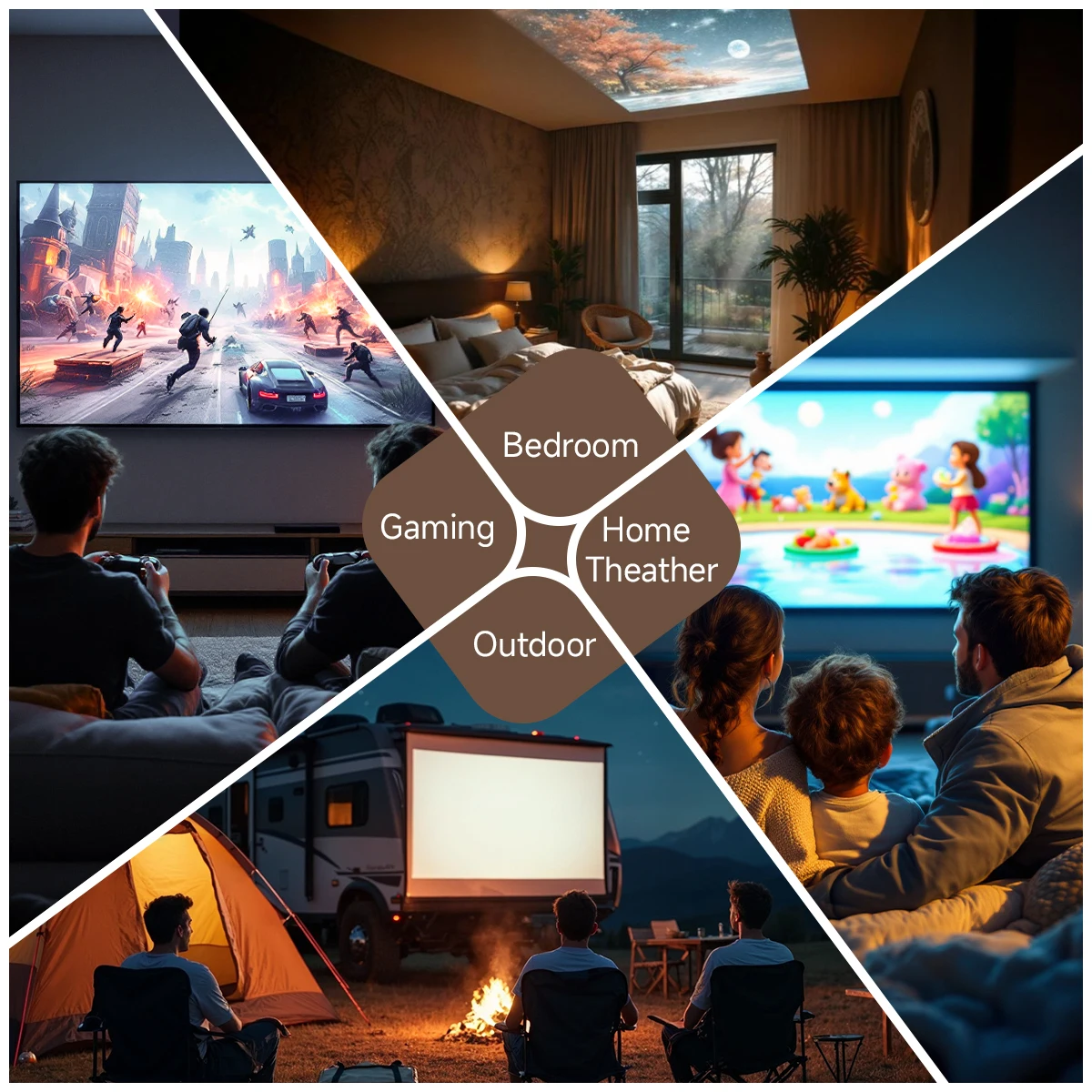
Bedroom & Home Theather & Outdoor & Gaming
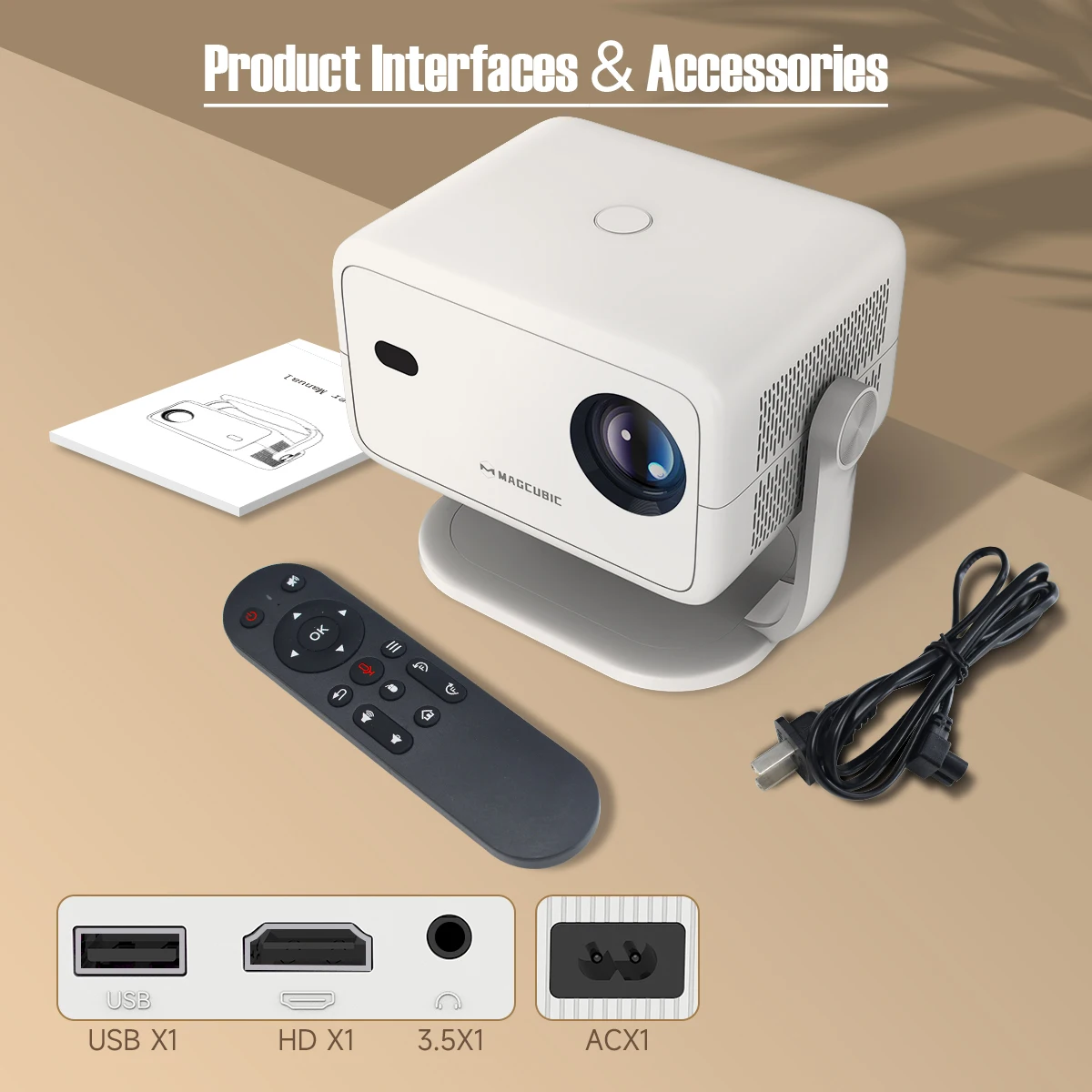
Product Interfaces & Accessories