

Tuya WiFi Smart IR Remote Controller | Universal Infrared Hub for Air Conditioner, TV & DVD
With Sensor
Sale price
301,00 kr
Regular price
478,00 kr
Skip to product information





Tuya WiFi Smart IR Remote Controller | Universal Infrared Hub for Air Conditioner, TV & DVD
Sale price
301,00 kr
Regular price
478,00 kr
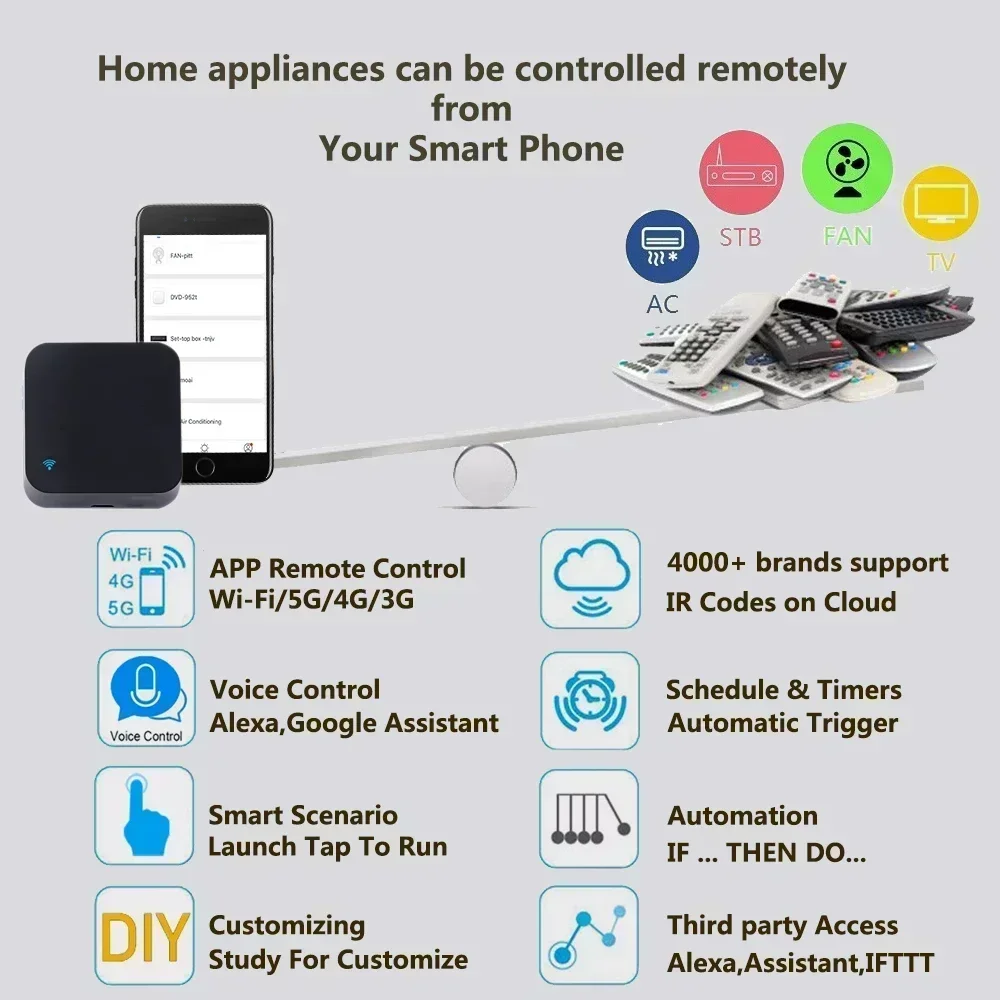
Product Description: Consolidate all your home remotes into a single smartphone app with this Tuya WiFi Smart IR Remote Controller. Designed to control infrared-enabled household appliances such as air conditioners, TVs, set-top boxes, and DVD players, this compact hub connects directly to your 2.4GHz WiFi network via the Tuya Smart or Smart Life app. Enjoy hands-free voice control through Amazon Alexa, Google Assistant, and Yandex Alice to turn devices on/off, adjust AC temperatures, or switch channels. Its sleek, 360-degree signal distribution ensures reliable coverage across your room.
Key Features:
-
Universal IR Appliance Control: Replaces multiple infrared remotes to manage ACs, TVs, fans, set-top boxes, and audio systems from your smartphone.
-
Smart App Remote Access: Connects via Tuya Smart or Smart Life app to control appliances anytime from anywhere in the world.
-
Hands-Free Voice Integration: Fully compatible with Amazon Alexa, Google Assistant, and Yandex Alice for convenient voice commands.
-
360-Degree Signal Coverage: Transmits infrared signals omnidirectionally to ensure reliable communication with all room appliances.
-
Automated Schedules & Timers: Set custom timing schedules and automated routines to turn appliances on or off automatically.
Technical Specifications:
-
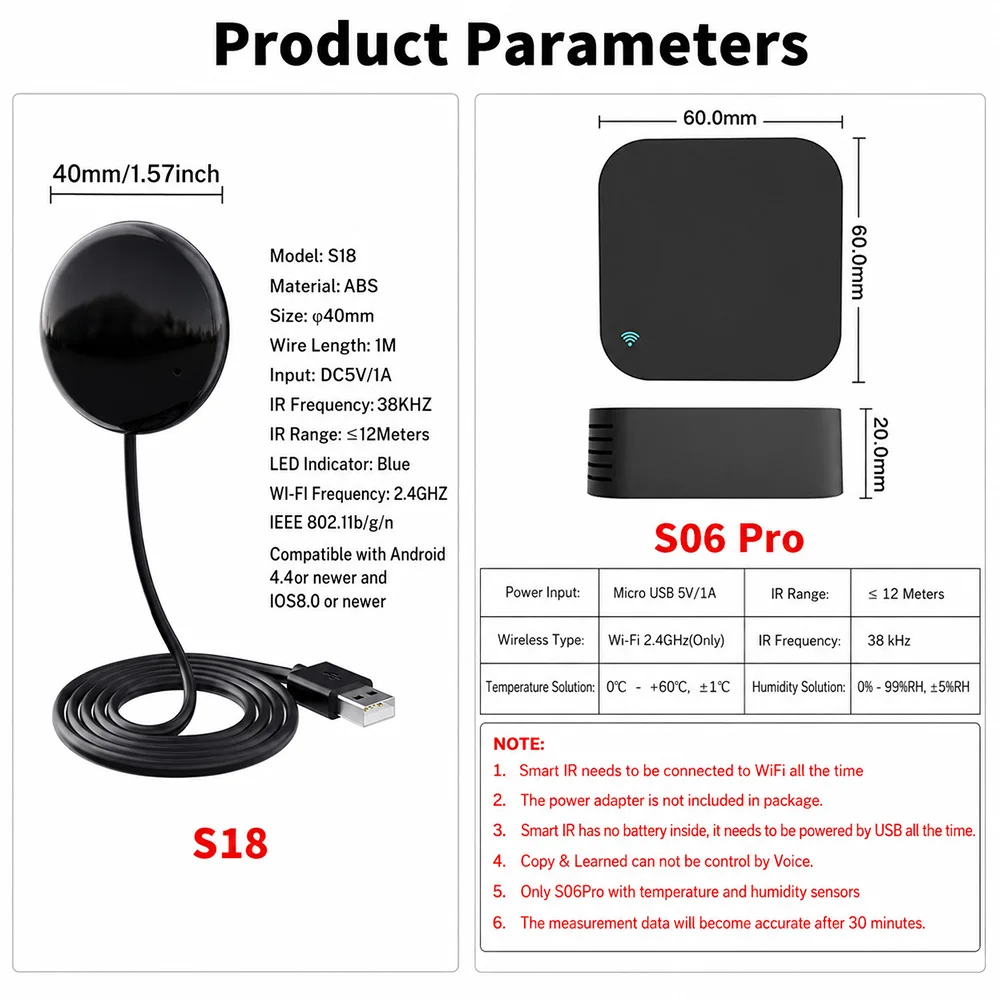
Product Type: Smart WiFi Universal IR Remote Control Hub
-
Wireless Frequency: 2.4GHz WiFi
-
Infrared Frequency: 38KHz
-
App Platform: Tuya Smart / Smart Life (iOS & Android)
-
Voice Platforms Supported: Amazon Alexa, Google Home, Yandex Alice
-
Color Profiles: Black (Without Sensor Variant Shown)
Package Inclusions:
-
1 x Tuya Smart IR Remote Hub
-
1 x USB Power Cable
-
1 x User Instruction Manual
Maybe every room needs one
Infrared rays cannot penetrate the wall, so it cannot control household appliances in other rooms.
It is recommended to install a universal remote control in every room.
Real Shot(S06)
What is Included?
* Universal IR Remote Control x1
* Micro Charging Cable x1 (NO ADAPTER)
* Adhesive Pad x1
* User Manual x1
How to download APP
Open Google Play Store or App Store, the Searh "Smart Life" and Install it.
You can also scan the QR Code below to download
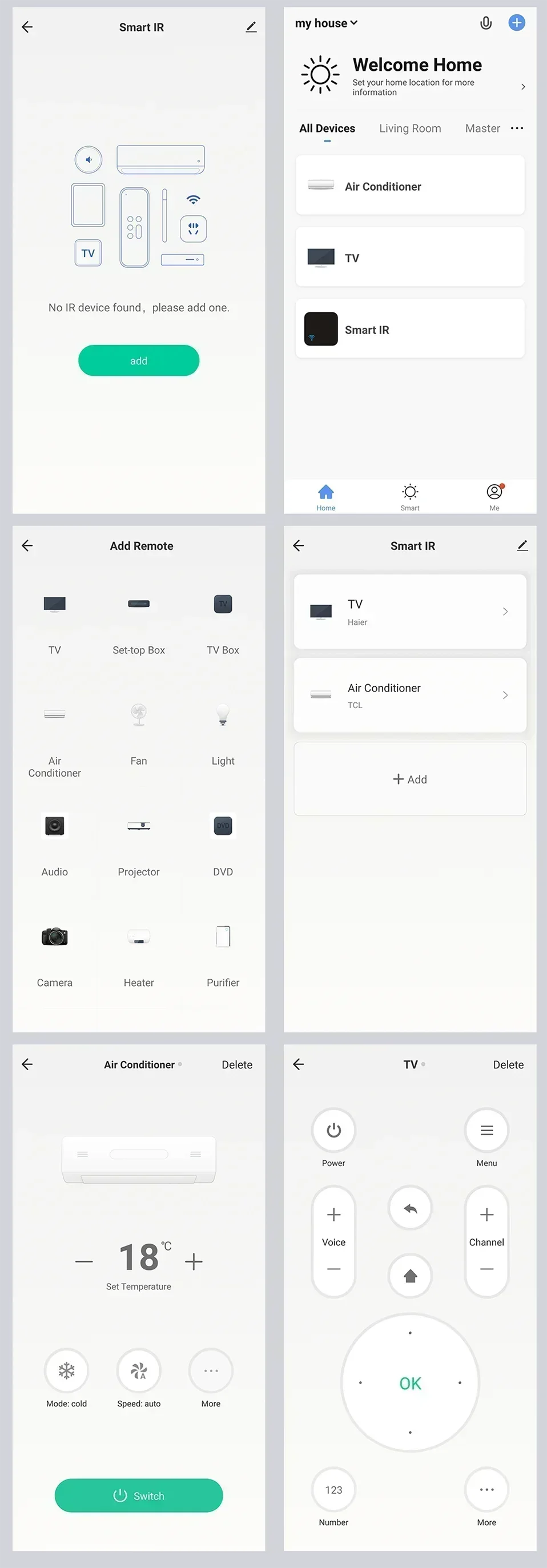
What is APP look like?
The APP page may be modified better
How to Add Device to APP
Using Bluetooth to add devices is very simple.
Give app Bluetooth operation permission, app will automatically find the device to be added
How to Add appliances(Take TV as an example)
FQA
1.What devices can control with WiFi remote control?
You can control TV, Fan, Air conditioner and other IR enabled appliances.
2. What should I do when I cannot control the devices with this remote control?
Firstly, make sure your mobile device and the WiFi remote control are adjacent and connected to the same network,Assure the WiFi infrared remote control is always power on.
3. Can I control devices through 2G/3G/4G network?
The WiFi remote control and mobile device are required to share the same WiFi network when adding WiFi remote control the first time.After device configuration succeed,you can remotely control devices through 2G/3G/4G/5G cellular network.
4.What should I do when device configuration process has failed ?
you can:
Check whether the remote control is powered on or not.
1).Check whether your mobile device is connected to2.4GHz WiFi network.
2).Check your network connectivity, make sure the router is working properly.
3).Make sure the WiFi password entered is correct when adding remote control.
5. Can it go through walls or be used to control IR devices in upstairs/downstairs rooms?
IR can not go through walls, so make sure there are no obstacles between IR remote and IR enabled devices.
6. We have Huawei/Xiaomi set-top box, why is it not connecting?
There are two types of set-top boxes, OTT and IPTV,the most obvious difference is that IPTV supports living streaming while OTT does not. please make sure you have matching TV box before setup.
7.What we should do when we are unable to use IR remote to control an electric device?
Please check the following:
1).IR remote network in good condition(click any key on the remote control panel in the app and see whether the indicator light starts flashing. if it flashes, it indicates to work properly.
2).There is no object blocking between IR remote and electric device
3).The factory remote control of electric device is IR enabled.(cover the top of the remote control with hand or any object, then press any keys. if the device does not respond, it is IR based, otherwise, it is Bluetooth or RF based remote control.)